1.- Download OSSIM Download from home page.
2.- Create a new VMware.
3.- Boot from the CD-ROM
WinSCP connecting the IpCop
The following five steps are optional only if you are going to use the IpCop keyboard and monitor
• Download WinSCP
• Enable the ssh on the IpCop box
• Reboot the IpCop box
• Connect to the IpCop with WinSCP (port is 222)
either if the port is the same 222 you can connect simultaneously the WinSCP and putty
• Connect to the IpCop console with putty (port is 222
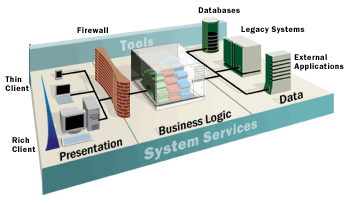
This data access layer is used in turn by other program modules to access and manipulate the data within the data store without having to deal with the complexities inherent in this access.
